01
The first single
No studio. No label.
Describe a beat into existence, get on the mic, and slapz mixes your voice into it. Nobody else's instrumental, so there is nothing for anyone to pull down.
Say what it should sound like and slapz makes the instrumental. Keep the beat, or put your own voice on it — rap or sing straight over it, right on your phone.
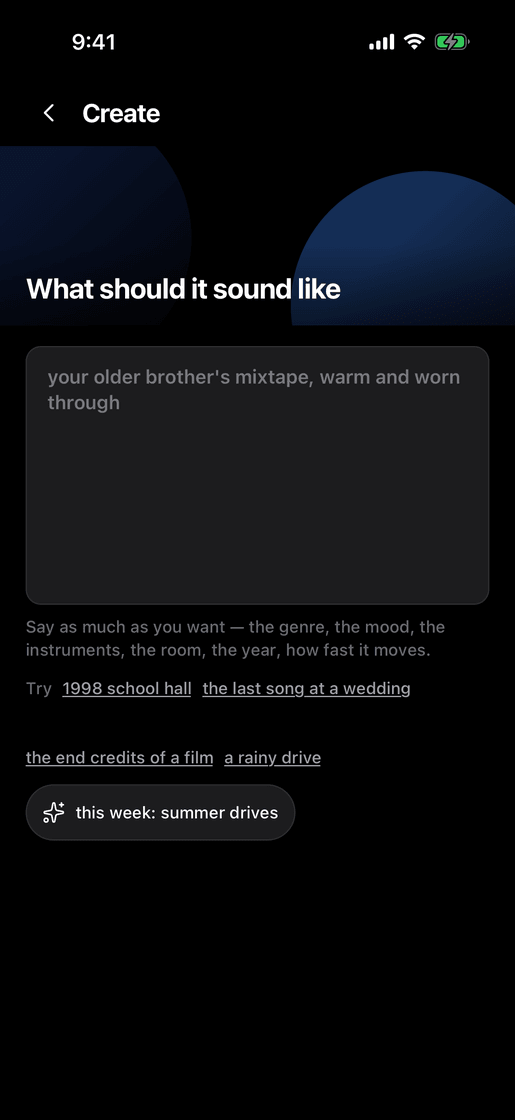
Type what it should sound like — the genre, the mood, the instruments, the room, the year, how fast it moves. slapz composes the instrumental. No sample pack, no crate digging, no licence to chase.
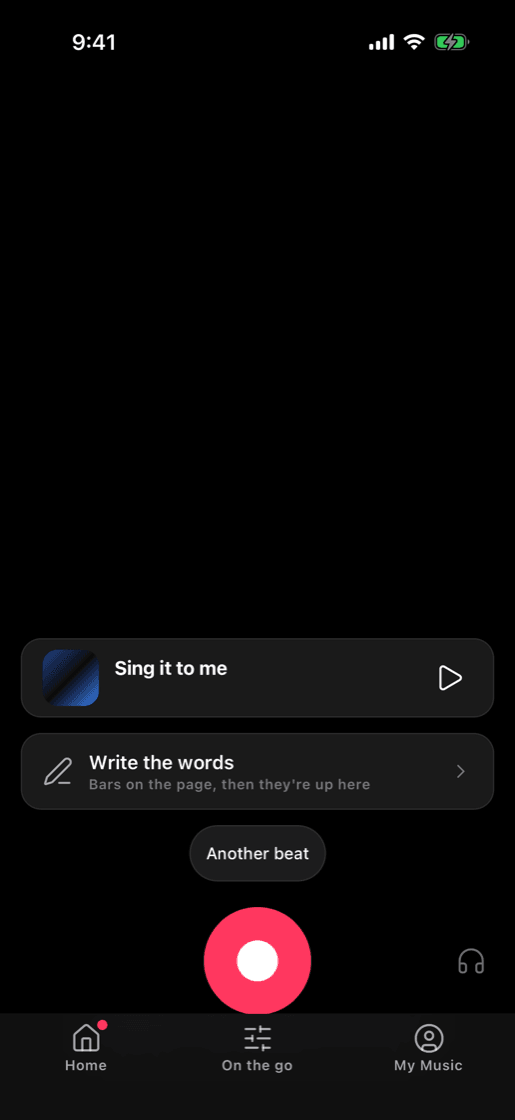
Write your bars in the app or go off the top, then record straight over the beat. slapz times your voice to it and mixes the two together.
It is yours. Save it, post it anywhere, or send the beat to a friend and hear what they do with it.
Say what you want to hear and slapz composes the instrumental — original music, not a sample lifted off somebody else's record. It is yours to rap over, post and keep.
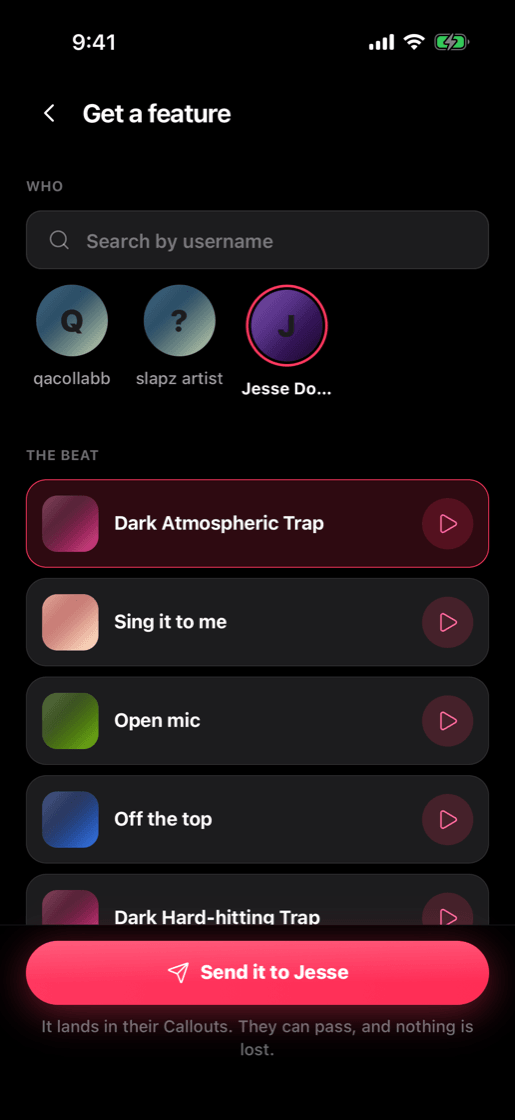
Pick somebody, pick the beat, send it. It lands in their Callouts and they get on the same instrumental you were on. They can pass, and nothing is lost.
Record straight over the beat on your phone. slapz times your take to the instrumental and mixes the two together, so it sounds like one record — not a voice memo over a song.
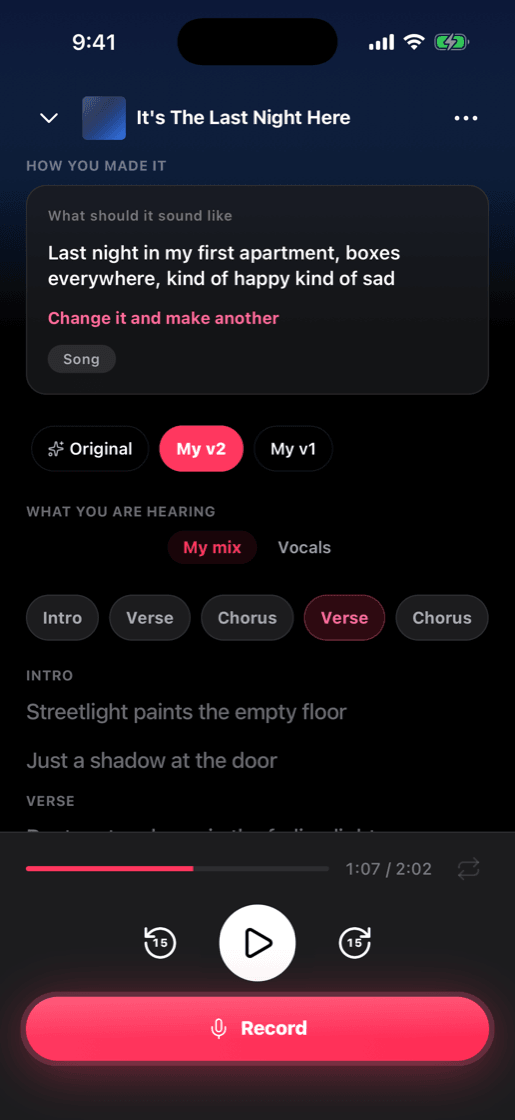
Every song plays with the words moving under it, so you can follow the line you are on. Flip between the original and your own versions, or hear the voice on its own.
Describe a beat into existence, get on the mic, and slapz mixes your voice into it. Nobody else's instrumental, so there is nothing for anyone to pull down.
Send the same instrumental to three people and see what comes back. Everybody hears the same knock and nobody sounds the same on it.
Describe the sound you keep hearing and keep the instrumental. Loop it, post it, write to it later — nothing says you have to get on the mic.
You have verses in your notes app and nothing under them. Describe the beat you have been hearing, drop the bars in, and finally hear them land.
No. slapz makes the beat and mixes your voice into it, and singing works as well as rapping. Whatever range you have got is the right range. And if you never record a word, the beat is still yours.
Yes. slapz composes the instrumental from your description — no samples, no copies — and what you record over it is yours to post and to keep.
Write the words in the app, or go off the top. Record a take, hear it back over the beat, and go again until it lands.
Yes. Recording is optional. Describe what you want, keep the instrumental, and get on it whenever you are ready — or never.
Yes. Pick somebody on slapz and send them the beat. It lands in their Callouts, and they record their own part over the same instrumental.
No — your phone is fine. Headphones help, because they keep the beat out of the microphone while you record.
Free to start. No card needed.